
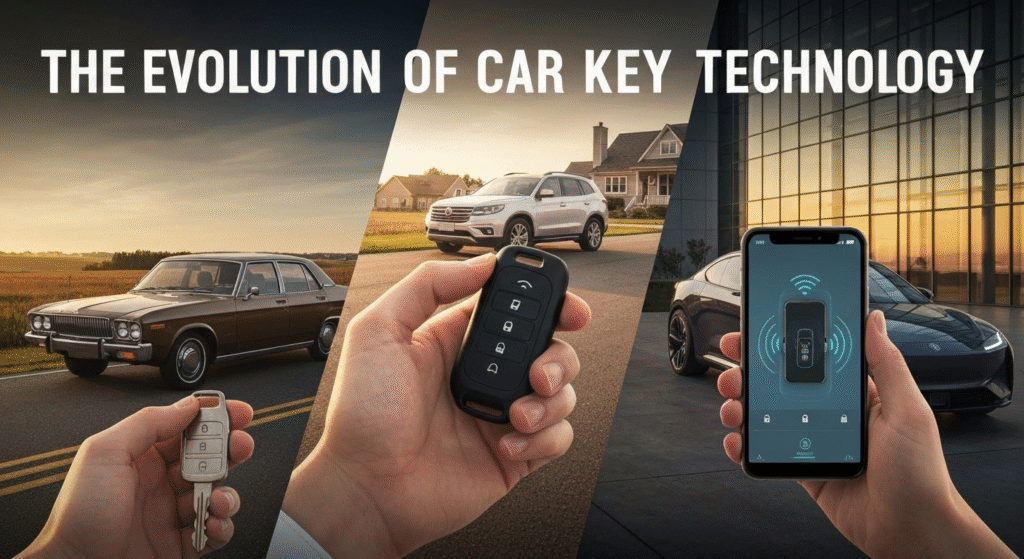

That small device in your pocket does more than just unlock your doors. It’s the result of over a century of innovation, moving from a simple piece of metal to a sophisticated computer. The journey of the car key reflects our own evolving relationship with technology, prioritizing convenience, security, and connectivity. We’ve gone from fumbling with separate keys for the door and ignition to having our cars recognize us as we approach. This article breaks down that entire evolution, explains the technology you use every day, and tells you what to do when it doesn’t work as expected.
My fascination with how cars work didn’t start in a garage; it started with the small things, like the satisfying click of a key fob. For years, I’ve been exploring the world of automotive technology, from the tools that put cars together to the systems that make them run. Writing about these topics allows me to dive deep into my curiosity, research the nuts and bolts, and share what I learn in a clear, straightforward way. My goal has always been to demystify the complex technology we interact with daily, connecting the dots between a simple button press and the intricate systems it controls. This passion for understanding and explaining drives every article I write.
The Humble Beginnings: The Era of the Metal Key
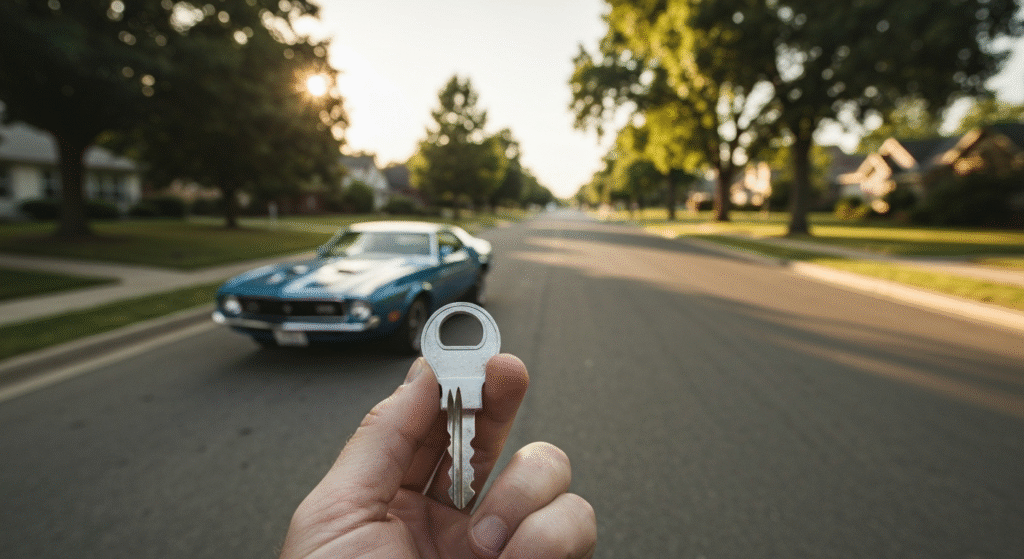
For decades, the car key was purely mechanical. If you drove a car anytime before the 1990s, you remember the distinct jingle of a key ring holding separate, jagged metal keys—one for the doors, one for the ignition, and sometimes another for the trunk or glove box. These keys worked just like your house key. A unique pattern of cuts on the key’s blade matched a set of pins inside the lock cylinder. When the correct key was inserted, the pins aligned, allowing the cylinder to turn and unlock the mechanism.
The system was simple and effective, but it had major drawbacks.
- Low Security: These keys were relatively easy to copy. A skilled locksmith, or even a determined thief, could duplicate a key or pick the lock without much difficulty. There was no electronic component to verify the key’s identity.
- Inconvenience: Juggling multiple keys was cumbersome, especially in the dark or with your hands full. There was no remote function, meaning you had to be physically at the door to unlock it.
This era represented the most basic form of vehicle access—a physical token for a physical lock. The technology was reliable but offered little in terms of advanced security or user convenience, setting the stage for an electronic revolution.
The First Big Leap: Keys with Remote Entry
The 1980s and early 1990s brought the first major change: the remote keyless entry (RKE) system. Suddenly, you could lock and unlock your doors from a distance with the press of a button. The first systems used infrared (IR) technology, similar to a TV remote. You had to point the fob directly at a sensor on the car, and it only worked over a short, line-of-sight distance. It was a step up, but not a huge one.
The real game-changer was the switch to Radio Frequency (RF) technology. This allowed the signal to travel further and pass through obstacles like walls or your pocket. This simple addition of a button on the key head or a separate fob transformed the daily experience of using a car. It was a huge boost for both convenience and personal safety. Think about unlocking your car doors in a dark, empty parking lot before you even get close. This small technological leap made drivers feel safer and more in control.
How Your Modern Key Fob Actually Works
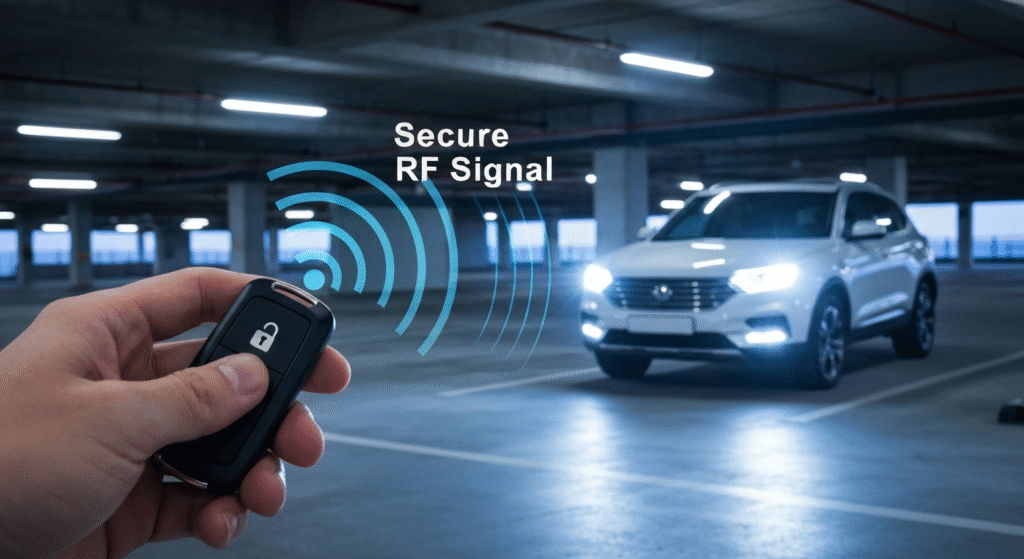
Today’s key fob is a miniature marvel of technology. It might seem like magic, but the process is a clever combination of radio signals and cryptography. Let’s break down how your car knows it’s you.
The Magic of Radio Frequency (RF)
At its core, your key fob is a tiny radio transmitter. When you press a button (like ‘unlock’ or ‘lock’), it sends a low-power radio signal to a receiver module inside your vehicle. This signal isn’t just a simple pulse; it contains a unique digital code. The car’s receiver is always listening for this specific frequency. If it receives a code that it recognizes, it tells the car’s computer to perform the requested action, like unlocking the doors or popping the trunk.
Rolling Codes: The Secret to Security
Here’s the thing: if the fob sent the same code every time, it would be easy for a thief to capture that signal with a device and replay it later to unlock your car. This is known as a “replay attack.” To prevent this, modern key fobs use a technology called rolling codes (or hopping codes).
With rolling codes, the fob and the car share a synchronized algorithm. Each time you press a button, the fob sends a new, unpredictable code. The car’s receiver knows what code to expect next in the sequence. Once that code is used, it’s discarded and will never be accepted again. This synchronization ensures that even if a thief captures the signal, it will be useless moments later. This technology single-handedly made casual car theft significantly more difficult.
Key Components Inside Your Fob
Your key fob is surprisingly simple on the inside. It generally consists of three main parts:
- Transmitter: The component that sends out the radio frequency signal.
- Microchip: This is the brain of the fob. It stores the unique identifier and the rolling code algorithm that keeps your vehicle secure.
- Battery: A small, coin-style lithium battery that powers the whole operation. This is the part that you will eventually need to replace.
Understanding Different Keyless Systems
The term “keyless” can be confusing because it refers to a few different technologies. Not all keyless systems are created equal. Knowing the difference can help you understand your car’s features better.
Keyless Entry vs. Keyless Start: What’s the Difference?
Many people use these terms interchangeably, but they refer to two distinct functions. I often see people get confused by this. A friend once bought a car with keyless entry but was surprised he still had to insert and turn a key to start it. It’s a common mix-up.
| Feature | Remote Keyless Entry (RKE) | Keyless Start (Push-to-Start) |
| Primary Function | Unlocks and locks the doors remotely using a button on the fob. | Starts the engine without inserting a key into the ignition. |
| How It Works | You press a button on the fob, which sends an RF signal to the car. | The car detects the fob’s presence inside the cabin and enables the push-button start. |
| Ignition Type | Still requires a physical key to be inserted and turned in the ignition. | A “Start/Stop” button on the dashboard replaces the traditional key cylinder. |
| Common Use Case | Standard on most modern vehicles, even base models. | Often part of a higher trim level or technology package, usually paired with PKE. |
In short, Keyless Entry gets you into the car remotely. Keyless Start lets you drive the car without using a traditional ignition key.
Passive Keyless Entry (PKE) Systems
Passive Keyless Entry, or PKE, takes convenience to the next level. With a PKE system, you don’t even need to take the fob out of your pocket or bag. The car has several antennas that constantly emit a low-frequency signal in a short range around the vehicle.
When your fob comes within this range (usually a few feet), it “wakes up” and responds with its own unique, secure RF signal. The car verifies the fob’s identity, and when you touch the door handle or press a small button on it, the doors unlock automatically. The same system works for locking the car; you walk away, and it can lock itself. This is the feature that makes it possible to open your trunk with a kick of your foot when your hands are full of groceries.
The Inevitable Problem: The Dead Key Fob Battery
Every key fob runs on a small battery, and eventually, that battery will die. It often happens at the most inconvenient time. The good news is that car manufacturers have built-in backup plans, and replacing the battery is usually a simple DIY job.
Signs Your Key Fob Battery is Dying
Your fob won’t just stop working suddenly. It will usually give you a few warning signs that its battery is on its way out. Look out for these symptoms:
- Reduced Range: You find yourself having to get closer and closer to your car for the remote to work.
- Multiple Button Presses: It takes several clicks to get the doors to lock or unlock.
- “Key Not Detected” Warning: Your car’s dashboard may intermittently display a message like “Key Not Detected” or “Key Fob Battery Low,” even when the key is inside.
- Inconsistent Function: The remote lock/unlock might work, but the passive entry or push-to-start feature becomes unreliable.
A Simple Guide to Replacing Your Fob Battery
You almost never need to go to a dealership and pay a premium for a simple battery swap. It’s a five-minute job you can do yourself.
- Identify the Battery Type: Most fobs have a small screw or a slot along the seam. You can often find the battery type (e.g., CR2032, CR2025) in your owner’s manual. If not, you’ll see it once you open the casing. These batteries are widely available at grocery stores, pharmacies, and electronics shops.
- Open the Fob Casing: Look for a small indentation on the side of the fob. You can usually pry it open gently with a small flathead screwdriver, a coin, or even the emergency key itself. Be gentle! The plastic clips can be fragile. I’ve learned that the hard way on an older fob.
- Note the Battery Orientation: Pay close attention to which side of the old battery is facing up (the positive ‘+’ side). The new battery must go in the same way.
- Swap the Batteries: Use your finger or a non-metallic tool to pop the old battery out. Slide the new one into place, making sure it’s secure.
- Reassemble and Test: Snap the two halves of the fob casing back together firmly. Walk over to your car and test all the buttons to ensure it’s working correctly.
What Happens When the Battery Dies Completely? Your Backup Plan
So, what if you ignored the warnings and the battery is completely dead? You’re not locked out. Car designers have thought of this.
- The Hidden Physical Key: Almost every key fob has a small mechanical key hidden inside. Look for a small release button or switch on the fob. This will allow you to slide out a traditional metal key.
- The Hidden Keyhole: To maintain a sleek look, many modern cars hide the driver’s side door lock. Look for a small cap on the underside or at the end of the door handle. You can gently pry this cap off with the emergency key to reveal a standard keyhole.
- Starting the Car: Even with a dead fob, you can usually start a push-to-start vehicle. The car’s immobilizer system can read a chip in the fob at a very close range, even without battery power. Your owner’s manual will show you the specific spot to hold the fob—it’s often against the start/stop button or in a designated area on the steering column or center console. Pushing the start button while holding the fob there should allow the engine to start. For more information on immobilizer technology, you can refer to resources from organizations like the National Insurance Crime Bureau (NICB), which often details anti-theft technologies.
The Future is Now: Digital and Smartphone Keys

The evolution of the car key is far from over. The next logical step is to eliminate the physical fob altogether and integrate it into the one device we already carry everywhere: our smartphone.
How Digital Keys Work
Digital keys use wireless technologies like Near Field Communication (NFC) or Bluetooth Low Energy (BLE) to turn your phone into your car key.
- NFC: This is the same technology used for contactless payments like Apple Pay or Google Pay. You simply tap your phone on the car’s door handle to unlock it and place it in a designated tray or spot inside to start the car.
- BLE: Bluetooth offers a longer range, allowing for a passive entry experience similar to a modern fob. The car can detect your phone as you approach and unlock the doors automatically.
Big tech companies are working directly with automakers to standardize this technology. Systems like Apple CarKey and Android Digital Key are becoming more common on new vehicles from brands like BMW, Genesis, Hyundai, and Kia.
Advantages and Disadvantages of Digital Keys
This new technology is exciting, but like anything, it comes with its own set of pros and cons.
| Advantages | Disadvantages |
| Ultimate Convenience: No need to carry a separate fob. | Phone Battery Dependency: If your phone dies, you could be stranded without a backup. |
| Easy Sharing: You can securely send a temporary digital key to a friend or family member via a messaging app. | Cybersecurity Risks: As with any connected device, there is a potential for hacking, though security is very robust. |
| Customizable Access: You can set restrictions for shared keys, such as speed limits or geographic boundaries for a teen driver. | Not Universal: The technology is still new and only available on select, often higher-end, models. |
| No Lost Keys: As long as you have your phone, you have your key. | Potential Glitches: Software bugs or connectivity issues could temporarily prevent access. |
Frequently Asked Questions (FAQs)
Can someone steal my car by copying my key fob signal?
It’s highly unlikely with modern fobs. The use of rolling code technology means the signal changes with every press, making a captured code instantly useless. However, a more advanced method called a “relay attack,” where thieves use two devices to extend your fob’s signal range, is a known vulnerability. Storing your keys in a signal-blocking pouch (a Faraday bag) can prevent this.
How much does it cost to replace a lost key fob?
The cost varies dramatically depending on the car’s make, model, and year. A simple remote for an older car might cost under $100. However, a modern smart key for a luxury vehicle can cost $500 or more from a dealership, as the price includes both the expensive hardware and the programming required to sync it with your car.
Do I have to go to the dealership to replace my key fob battery?
Absolutely not. For 99% of vehicles, this is a simple, inexpensive DIY task that takes only a few minutes. You just need to buy the correct coin battery and follow the steps outlined earlier. A dealership will charge you a significant markup for the same service.
Can I use my smartphone as a key for any car?
No, this feature is not universal. It is an emerging technology that is only available on newer models from specific manufacturers that have integrated systems like Apple CarKey or Android Digital Key. Your vehicle must be equipped with the necessary NFC or Bluetooth hardware from the factory.
Conclusion: More Than Just a Key
The car key has transformed from a simple mechanical tool into a powerful gateway to our vehicles. Its journey from cut metal to encrypted radio signals and now to a digital app on our phones is a perfect example of how technology can reshape our daily routines. Each step in its evolution has been driven by the desire for greater security and seamless convenience. As we look ahead to a future with biometrics and even more integrated systems, one thing is clear: the humble car key will continue to be at the forefront of automotive innovation, constantly changing how we connect with the machines that move us.